




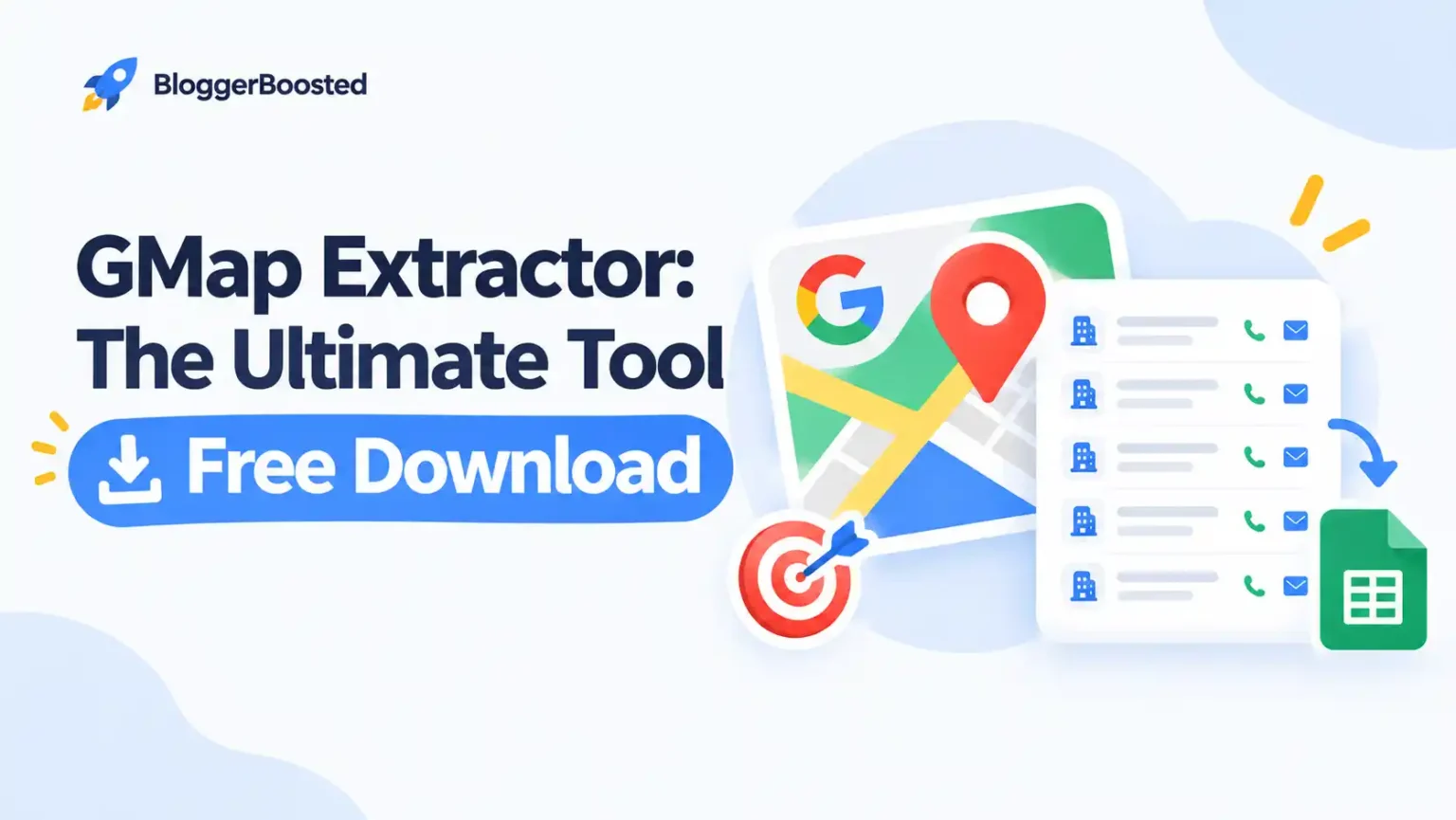
Finding qualified B2B leads and potential clients used to mean hours of manual research, expensive database subscriptions, or cold calling into the void. Not anymore. Enter GMap Extractor—the game-changing tool that’s transforming how freelancers, agencies, and sales teams hunt for clients and build prospect lists directly from Google Maps.
- What is GMap Extractor?
- Why Do You Need GMap Extractor? 7 Compelling Reasons
- Why Use GMap Extractor for Client Hunting & B2B Leads?
- How to Use GMap Extractor: Quick Start Guide
- How to Get GMap Extractor FREE: Download Guide
- Where to Download GMap Extractor
- Best Practices for Using GMap Extractor
- GMap Extractor Alternatives: Comparison Table
- Real Results: What Users Say
- Final Thoughts: Is GMap Extractor Worth It?
If you’re serious about growing your business, filling your sales pipeline, or scaling your agency, this tool isn’t just helpful—it’s essential. And today, we’re showing you exactly why you need it, how to leverage it for client hunting, and where to download it for free.
What is GMap Extractor?
GMap Extractor is a specialized data extraction tool designed to scrape business information from Google Maps. It automatically collects:


- Business names and categories
- Phone numbers and email addresses
- Website URLs
- Physical addresses and locations
- Ratings and review counts
- Opening hours
- Social media profiles
Instead of manually copying information from hundreds of Google Maps listings, GMap Extractor does it automatically—in bulk, in minutes, and exports everything into organized formats like CSV or Excel.
Why Do You Need GMap Extractor? 7 Compelling Reasons
1. Manual Lead Generation is Killing Your Productivity
Let’s be honest: manually collecting business data from Google Maps is soul-crushing work. You open a listing, copy the name, find the phone number, check the website, paste it into a spreadsheet… repeat 200 times.
GMap Extractor automates this entire process. What used to take 8 hours now takes 8 minutes. Your time is better spent closing deals, not copying phone numbers.

2. Google Maps is a Goldmine of Verified Business Data
Google Maps contains millions of active businesses—local shops, service providers, restaurants, clinics, agencies, and enterprises. Unlike outdated databases, Google Maps data is:
- Real-time updated by business owners themselves
- Geographically accurate with verified locations
- Rich with contact details websites, phones, and reviews
- Categorized by industry making targeting effortless
This isn’t just data—it’s high-intent, verified business intelligence.
Highly Related

3. Your Competitors Are Already Using Automation
While you’re still manually building lists, your competitors are extracting 10,000 leads per day, running automated outreach, and scaling their operations.
GMap Extractor levels the playing field. Small agencies can now compete with enterprise-level sales teams by accessing the same volume of data—instantly.
4. Targeting Precision That Traditional Methods Can’t Match
Need digital marketing agencies in Miami with 4+ star ratings? Want plumbing businesses in Chicago that don’t have websites yet? Looking for restaurants in London with phone numbers but no online ordering?
GMap Extractor lets you filter with surgical precision. Target by:
- Location (city, state, zip code, radius)
- Business category/industry
- Rating scores
- Review counts
- Specific keywords in business names
This precision means higher conversion rates and less wasted effort on unqualified leads.
5. Cost-Effective Alternative to Expensive Lead Databases
Popular B2B databases like ZoomInfo, Apollo, or Lusha charge 50-300+ per month. For startups and freelancers, that’s significant.
GMap Extractor taps into the world’s largest free business directory—Google Maps—and extracts the same data (often more accurate) without monthly subscription fees. The ROI is undeniable.
6. Build Your Own Asset, Not Rent Someone Else’s
When you buy leads from databases, you’re renting temporary access. When you extract data with GMap Extractor, you own that list forever. Build proprietary databases, segment them your way, and re-use them across campaigns.
7. Works for Virtually Every Industry
Whether you’re in:
- Digital marketing (finding businesses without websites/SEO)
- Web design (targeting businesses with poor/no web presence)
- SaaS sales (identifying companies by industry and size)
- Local services (competitor analysis and prospecting)
- Real estate (commercial property research)
- Recruitment (building company databases)
GMap Extractor adapts to your niche.
Why Use GMap Extractor for Client Hunting & B2B Leads?
The Client Hunting Advantage
Client hunting is proactive prospecting—identifying ideal clients before they even know they need you. GMap Extractor supercharges this approach:
Scenario 1: The Website Audit Strategy
- Extract 500 local businesses in your niche
- Filter for those with outdated websites or no websites
- Cold email: “I noticed [Competitor] has a modern site capturing online orders. I found your business on Google Maps and wanted to show you how a quick website upgrade could increase your visibility…”
Scenario 2: The Review Response Gap
- Extract businesses with 3-star or lower ratings
- Offer reputation management services
- “I saw your recent reviews mentioning slow response times. Our system helps businesses like yours improve ratings by 40% in 60 days…”
Scenario 3: The Geographic Domination
- Target every business in a specific neighborhood
- Position yourself as the local expert
- “We specialize in helping [Industry] businesses on [Street Name] attract more foot traffic…”
B2B Lead Generation at Scale
For B2B sales, volume and relevance are everything. GMap Extractor delivers both:
| Traditional Method | GMap Extractor Method |
| Buy generic lists ($$$) | Extract targeted lists (free/low cost) |
| Cold call random businesses | Call pre-qualified, relevant prospects |
| Generic pitches | Personalized outreach with specific data points |
| 1-2% conversion rates | 5-15% conversion rates with proper targeting |
The Data Points That Matter:
- Business Name → Personalization (“Hi [Name], I noticed…”)
- Industry Category → Relevant pitch alignment
- Location → Local angle or travel planning
- Website → Research before calling
- Reviews → Pain point identification
- Phone/Email → Multi-channel outreach options
How to Use GMap Extractor: Quick Start Guide
Step 1: Define Your Ideal Client Profile
Before extracting, know exactly who you’re targeting:
- What industries?
- What locations?
- What business size (review count can indicate this)?
- What pain points can you solve?
Step 2: Set Your Extraction Parameters
Input your criteria:
- Keywords (e.g., “plumber,” “digital agency,” “coffee shop”)
- Location (city, state, or draw a radius on the map)
- Filters (rating, hours, etc.)
Step 3: Extract and Export
Run the extraction. The tool will:
- Scrape all matching listings
- Organize data into columns
- Export as CSV, Excel, or JSON
- Remove duplicates automatically
Step 4: Clean and Segment
- Verify emails (use tools like ZeroBounce or NeverBounce)
- Segment by priority (hot, warm, cold leads)
- Add custom fields for your CRM
Step 5: Launch Your Outreach
- Import into your CRM (Salesforce, HubSpot, Pipedrive)
- Set up email sequences
- Start calling
- Track and optimize
How to Get GMap Extractor FREE: Download Guide
Here’s what you’ve been waiting for—how to download GMap Extractor without paying premium prices.
Option 1: Free Trial Versions
Many GMap Extractor tools offer free trials with limited extractions. Perfect for testing before committing.
Typical Free Tier Includes:
- 50-100 extractions per day
- Basic data fields (name, phone, address)
- CSV export functionality
- Single location searches
Option 2: Open Source & Free Tools
Several developers have created free GMap scraping tools:
| Tool Name | Type | Best For |
| Google Maps Scraper (Chrome Extension) | Browser Extension | Small lists, quick extractions |
| Outscraper (Free Tier) | Web-based | 500 free extractions/month |
| Apify Google Maps Scraper | Cloud Tool | Developers, advanced users |
| Python Scripts (GitHub) | Open Source | Technical users, customization |
Option 3: Group Buy Access
Similar to software group buys, some communities share GMap Extractor licenses. Use with caution—ensure legitimacy and security.
Option 4: [BloggerBoosted Exclusive]
At BloggerBoosted, we negotiate with tool developers to get our community free or heavily discounted access to premium tools. Check our resources section for current GMap Extractor deals available exclusively to our readers.
Where to Download GMap Extractor
⚠️ Important Safety Notice: Only download GMap Extractor tools from reputable sources. Many cracked versions contain malware or steal your data.
Legitimate Download Sources:
1. Official Websites (Recommended)
- LeadSniper
- ScrapingBee
- Apify Store
- Outscraper
2. Chrome Web Store Search: “Google Maps Scraper” or “GMap Extractor”
- Check ratings and reviews
- Verify developer credibility
- Review permissions carefully
3. GitHub (For Technical Users) Search: “Google Maps scraper Python” or “GMap extractor open source”
- Check star ratings and recent updates
- Review code before running
- Community-verified projects only
Download GMap Extractor Tool for Windows
Free Download with Premium License
Secure Download | No Credit Card Required | Instant Access
Best Practices for Using GMap Extractor
Stay Compliant & Ethical
✅ DO:
- Extract publicly available business information
- Use data for legitimate B2B outreach
- Honor opt-out requests immediately
- Comply with GDPR/CCPA for international leads
- Add value in your outreach, don’t spam
❌ DON’T:
- Scrape personal/private information
- Sell extracted data to third parties
- Use for spam or fraudulent purposes
- Violate Google Maps Terms of Service (use responsibly)
- Extract at rates that could get your IP banned
Technical Tips
| Tip | Why It Matters |
| Use proxies | Prevents IP blocking during large extractions |
| Add delays | Mimics human behavior, avoids detection |
| Verify emails | Reduces bounce rates, protects sender reputation |
| Segment data | Enables personalized, relevant outreach |
| Update regularly | Business information changes constantly |
GMap Extractor Alternatives: Comparison Table
| Tool | Free Option | Best Feature | Limitation |
| LeadSniper | Limited trial | User-friendly interface | Paid for bulk |
| Outscraper | 500 extractions/month | Cloud-based, no software | Monthly limits |
| Apify | $5 free credit | Developer flexibility | Technical setup |
| Instant Data Scraper | Free | Simple Chrome extension | Basic functionality |
| ScrapingBee | Trial credits | API integration | Developer-focused |
Real Results: What Users Say
“Extracted 2,000 local business leads in one afternoon. Closed 3 web design clients worth $15K in the first month.” — Sarah T., Freelance Web Designer
“We use GMap Extractor to build prospect lists for our SaaS. Response rates went from 1% to 8% because we’re targeting businesses that actually match our ICP.” — Mike R., Sales Director
“As a marketing agency, this tool paid for itself in week one. We found 500 businesses without Google Business Profiles and sold them optimization services.” — David K., Agency Owner
Final Thoughts: Is GMap Extractor Worth It?
If your business depends on finding and contacting other businesses, GMap Extractor isn’t optional—it’s essential.
The ability to:
- Extract unlimited targeted leads
- Access real-time, verified business data
- Automate hours of manual research
- Build proprietary prospect databases
- Out-hunt your competition
…makes this one of the highest-ROI tools in your marketing stack.
Your Action Plan:
- Download a free GMap Extractor tool using the sources above
- Extract 100 leads in your target niche as a test
- Launch a small outreach campaign (20-30 contacts)
- Measure results and optimize your approach
- Scale up as you refine your process